Skip to content
LSPDigital Solutions

DigiCard, by LSP Digital Solutions

Digital business cards with your company’s brand

A QR code with your logo opens the card on your client’s phone and saves your contact in one tap. When a detail changes, the same QR shows the new one, even the one already in print.

  • 3 designs in your colours
  • 7 languages per card
  • 0 apps for your client to install
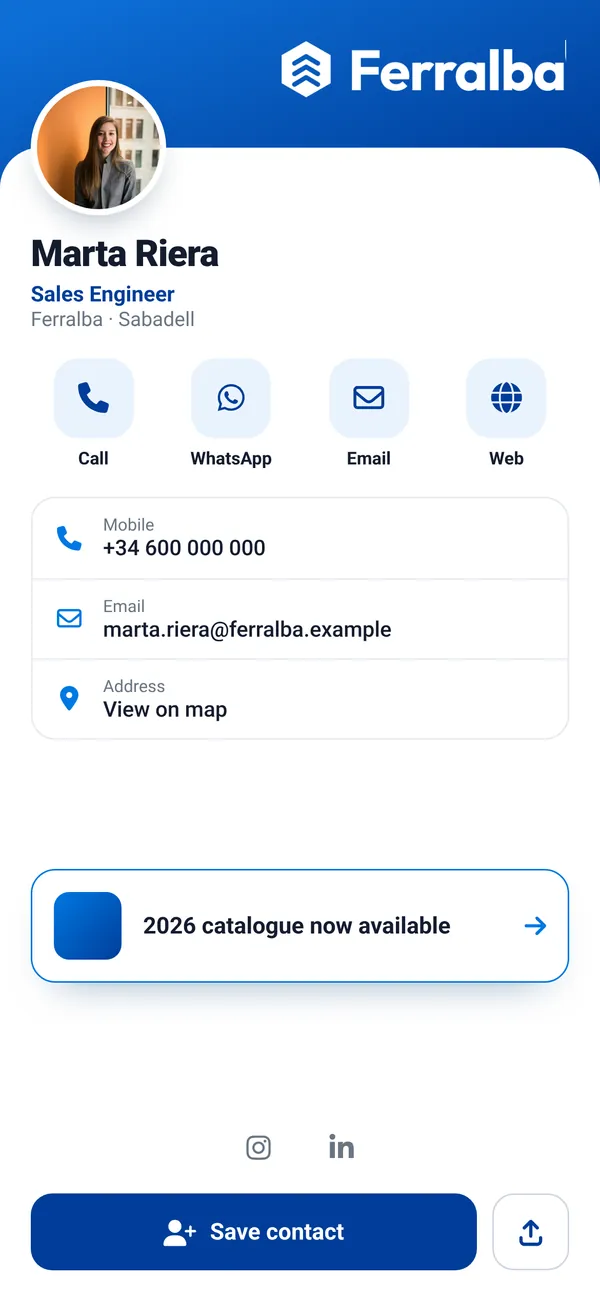
Card in the classic design: blue header with the company logo, photo, name, job title and buttons to call, WhatsApp, email and open the website.
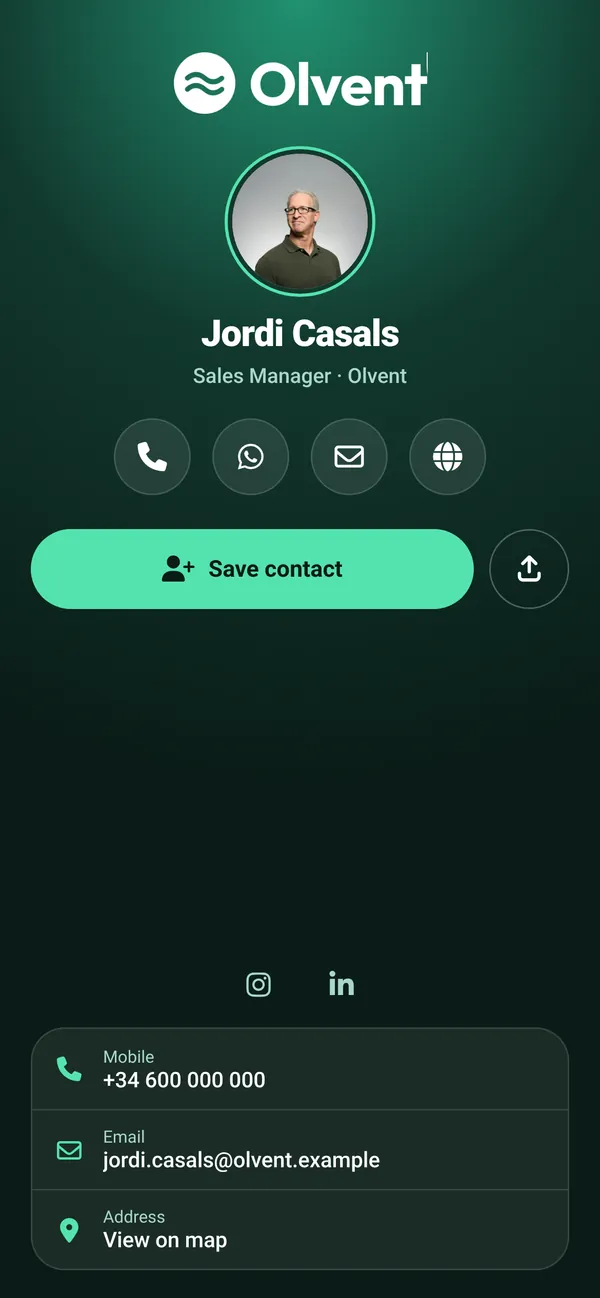
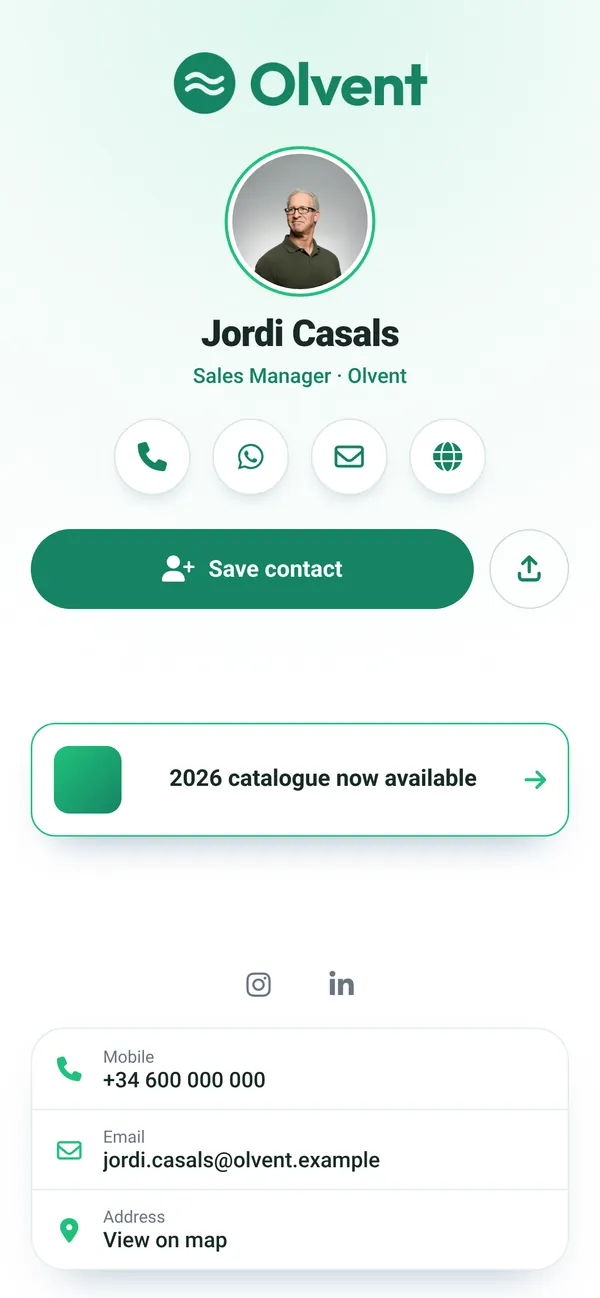
Card in the dark design in another company’s colours: logo, photo, name, job title and a save-contact button.
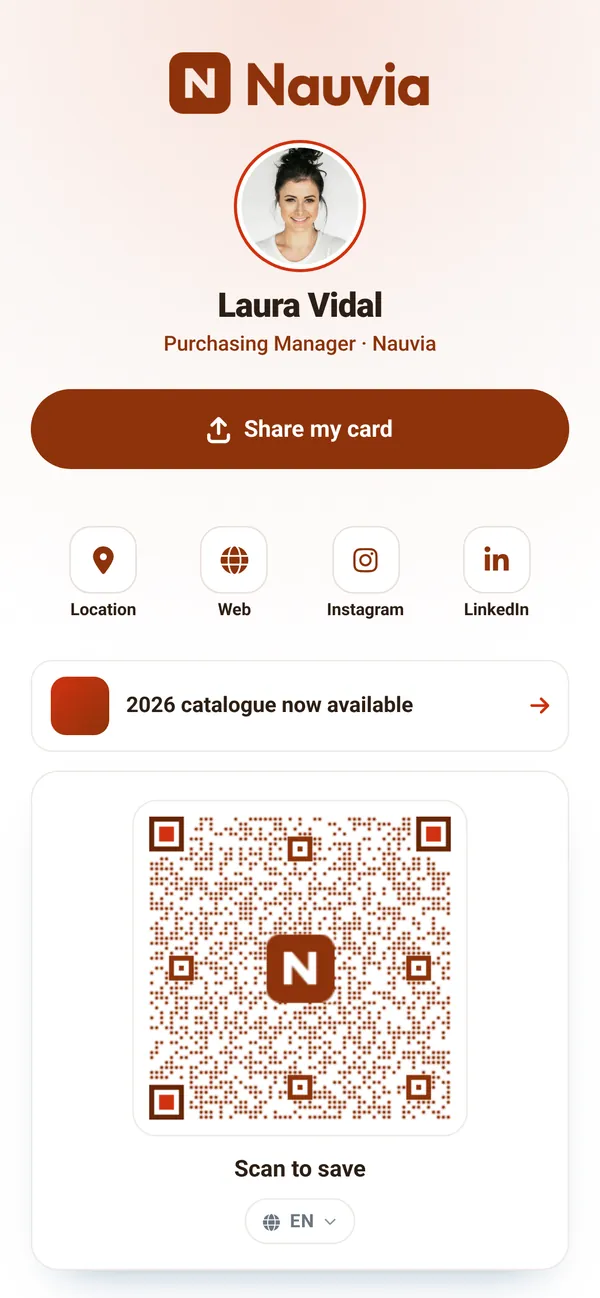
Card in the light design, team view: share button and QR code with the company logo in the centre.

Try the card with your name

Type your details, pick a colour and a design and see how it looks. What you enter here never leaves your browser: it is neither stored nor sent.

Brand colour
Design
Who sees it
With your own images (optional)

How DigiCard works

Each person fills in their card in an editor and watches it take shape as they type. We take care of the branding, the hosting and the set-up.

  1. We set up your brand

    Your logo, your colours and the company links: website, location and social media.

  2. Each person fills in their own

    Name, job title, mobile, email and photo. They choose the language and design.

  3. The QR code never changes

    On paper, on a display stand or on the van. If the details change, it still works.

  4. Your client saves the contact

    The card opens in the browser and goes into their address book in one tap.

Three designs in your colours

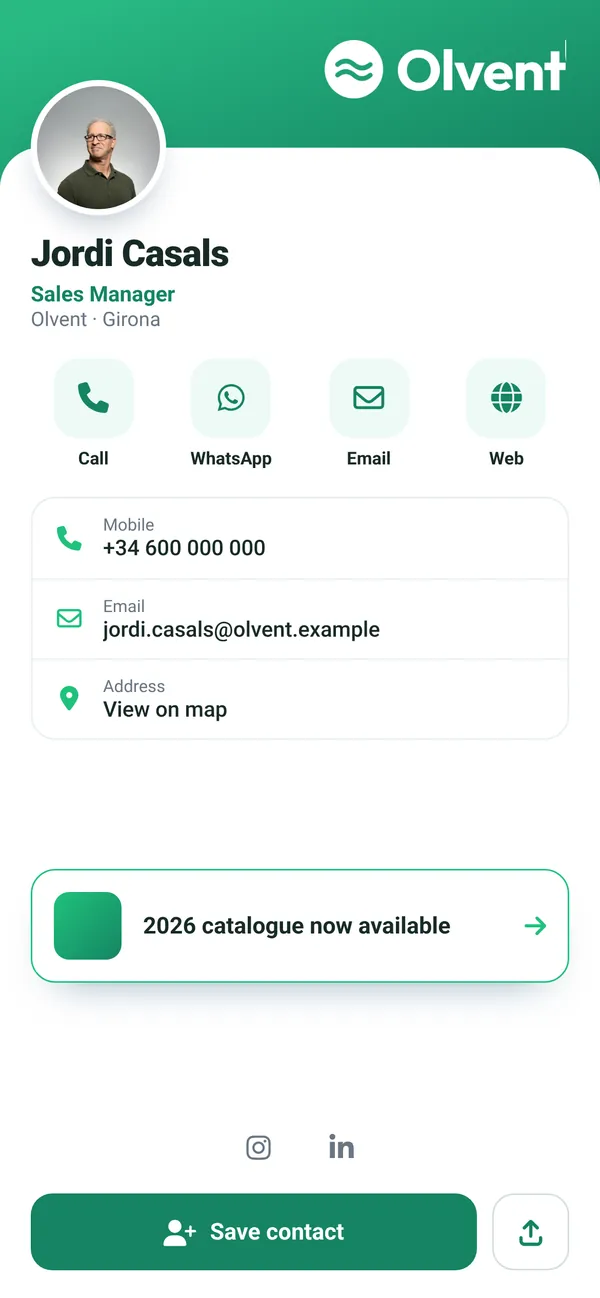
Each person picks their own, or the company sets one for everyone. Switch brand to see all three in other colours.

Classic

Classic design: coloured header with the logo on the right and the contact details in view.

Dark

Dark design: dark background with the logo centred and a prominent save-contact button.

Light

Light design: light background with the logo centred and buttons in the brand colour.

One panel for the whole team’s cards

The administrator publishes an announcement once and it appears on every card.

  • Announcements with a link and an image on every card
  • Notifications to each team member’s phone
  • People join and leave without ordering or binning boxes of cards
  • One design set for the whole company, if you prefer
  • The editor only opens with your company email

What a paper card cannot do

It is shared by message, installed on the phone and corrected without reprinting.

Arrives on WhatsApp with your brand

When the link is shared, the message shows an image with your logo, the photo, the name and the job title.

Preview of a card shared by message: image with the company logo, the photo, the name and the job title.
Jordi Casals · Sales ManagerDigital business card. Tap to save the contact.

Carries your logo inside the QR code

In the centre of the code and in your colours, so it is recognised before it is scanned.
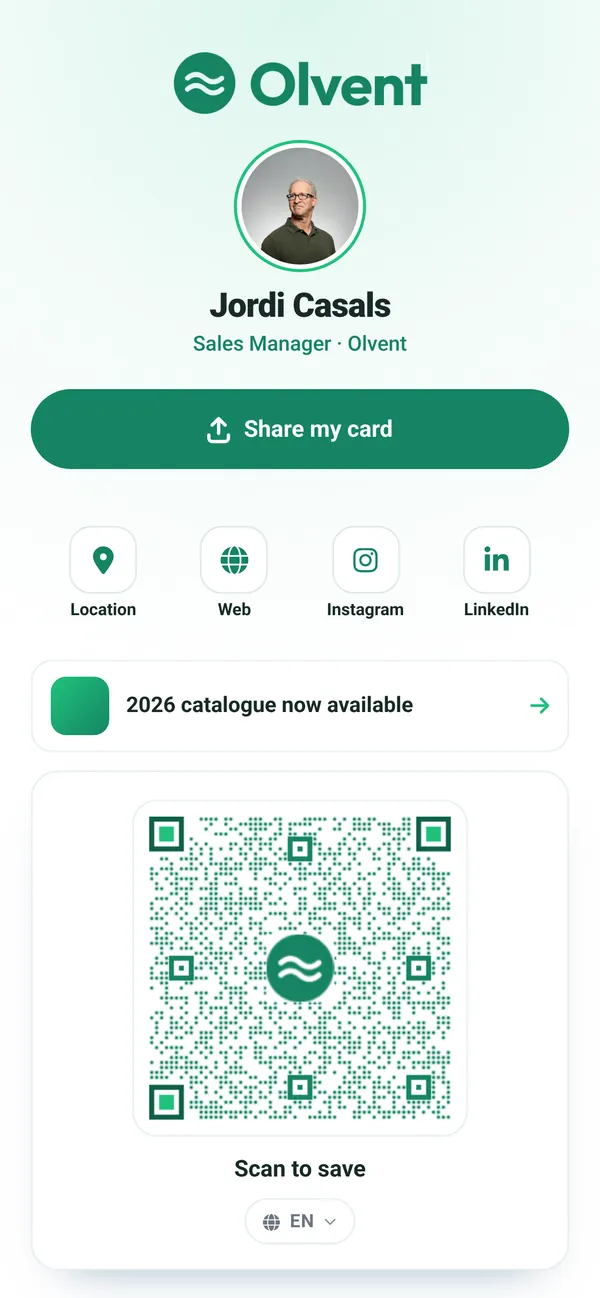
A card’s QR code with the company logo in the centre and the dots in the brand colour.

Saves the contact in one tap

Name, job title, company, mobile, email and website go into the client’s address book.

Detail of a card: mobile, email and address, with the save-contact button.

Installs without an app store

Your team adds it to the home screen and has their QR code to hand in a second.

Speaks seven languages

Español, català, English, français, Deutsch, italiano and português. Job titles translate themselves.

ESTécnico Comercial
ENSales Engineer
FRTechnico-Commercial
DETechnischer Vertrieb

Frequently asked questions

If yours is not here, write to us and we will reply by email.

Does my client have to install anything?

No. They scan the QR code with their phone camera and the card opens in the browser. From there they save the contact in one tap.

What if I change my phone number or job title?

You correct it on the card and that is all. The link and the QR code stay the same, so the one already in print shows the new details.

And if someone leaves the company?

Their card is withdrawn from the panel and their link stops showing their details. There are no cards to collect from anyone.

Does it work on iPhone and Android?

Yes, on both. To receive notifications on iPhone, the card has to be added to the home screen; it is a step you take once.

Can I keep using paper cards?

Of course. You download the card in high resolution with your QR code and print it wherever you like. That QR code leads to a card that is always up to date.

Is it suitable for just one person?

Yes. Whether you work on your own or as a team, the card carries your logo and your colours, not a generic template.

Request a demo with your brand

We prepare it with your logo and colours so you can see it on your phone before deciding. No obligation.

  1. You tell us what you need

    How many cards you need and what for.

  2. We set up your demo

    A real card with your brand to try out, and the proposal.

  3. We get it running

    We handle the set-up. You check that it is to your liking.

Need something else? At LSP Digital Solutions we also build bespoke web tools for companies. Tell us about it in the same form.